A website is never finished. Some of the work after launch keeps it safe and online; the rest keeps it worth visiting. How much of each you have depends mostly on the platform the site runs on.
Technical maintenance
This is the work that keeps a site running and secure: hosting, SSL, backups, software updates and security patches.
On WordPress this is your responsibility, or your host's. The core software, the theme and every plugin need updating, and updates can conflict with each other. A site that nobody updates becomes a security risk.
On Webflow the platform handles it. Hosting runs on a global network with SSL included, Webflow updates and secures the platform itself, and you can restore earlier versions of the site. There are no plugins or servers to update.
That difference is one of the main reasons companies move. See Webflow or WordPress: a decision guide for B2B.
Keeping the site useful
This part stays with you on any platform.
- Content: weekly to monthly. Fresh, accurate pages rank and convert better.
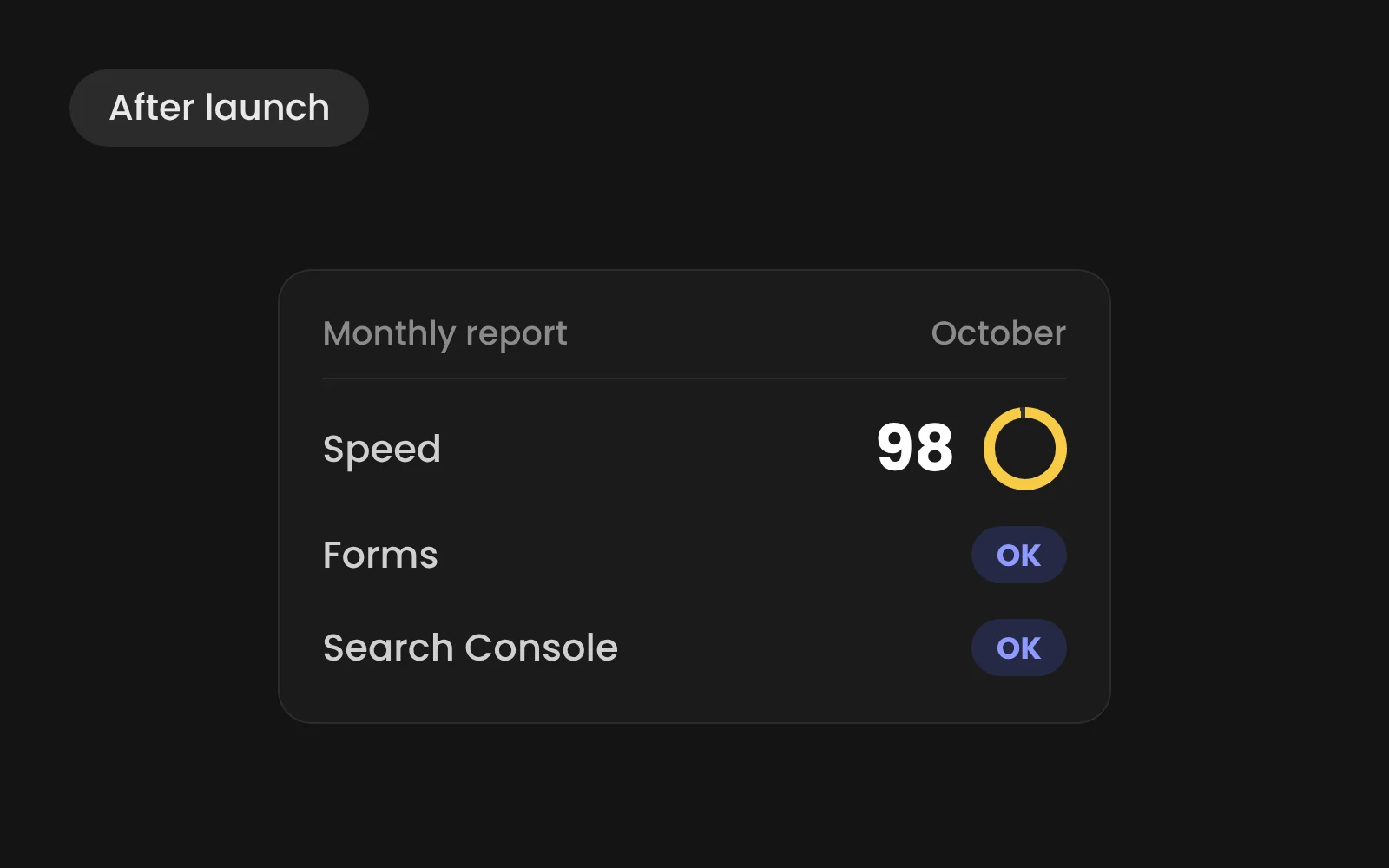
- Page speed: monthly. New images and scripts slow a site down over time.
- Search Console: monthly. Spot dropping pages, crawl errors and new opportunities.
- Forms and links: monthly. A broken form is a lost lead.
- Integrations: monthly. Links to a CRM or other tools can fail without anyone noticing.
- Accessibility: quarterly. New content can introduce issues.
- Improvements: quarterly. New pages, sections or tests based on what the data shows.
Three ways to organise it
Do it yourself. Your team handles content and checks, and calls a developer when something new needs building. This works when you have a confident marketer and few integrations.
Help per job. You manage content and book help when you need it: a new template, a campaign page, an integration. No commitment.
A partner who keeps an eye on it. Someone monitors speed, search performance, forms and integrations, fixes what breaks and keeps improving the site. This fits when the site carries a real share of your leads.
Whichever you choose, a good handover makes the difference. How a new website gets made explains what your team learns before launch.
Read next
- What does a website cost in 2026?
- Webflow or WordPress: a decision guide for B2B
- Webflow for B2B websites: costs, limits and how a project runs