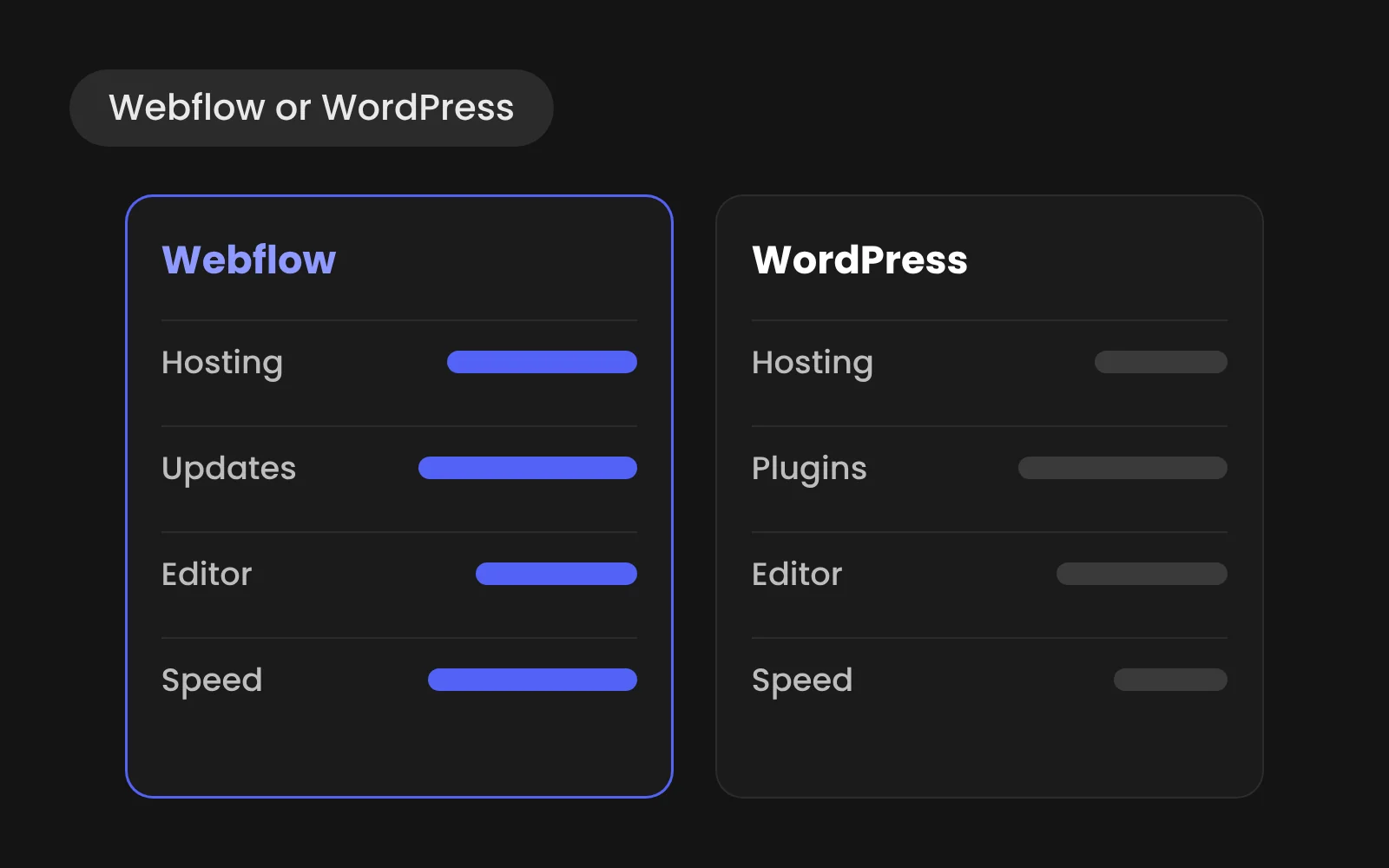
Choose Webflow if your marketing team wants to own and edit the site, you want custom design without template limits and you'd rather not manage hosting, plugins and security. Choose WordPress if you depend on specific plugins, need complex back-end features or have developers in-house who maintain it. For most B2B marketing sites, Webflow is the lower-maintenance choice.
- WordPress is self-hosted and plugin-based; Webflow bundles design, CMS and hosting in one product.
- Choose Webflow if marketing owns the site and you'd rather skip hosting, plugins and security.
- Choose WordPress for essential plugins, complex back-end features or in-house developers.
- Three or more of the five questions pointing to Webflow? Then it is very likely right.
We build in Webflow, so we're not neutral. We'll show you the trade-offs anyway, including when we'd point you to WordPress.
The real difference
WordPress is open-source software you host and maintain yourself, extended with plugins. Webflow is a hosted platform where design, CMS and hosting come as one product. That one difference explains almost every other point in the comparison: who updates what, who carries the risk and who can change the site.
Side by side
- Hosting and updates: Webflow: included, managed by Webflow. WordPress: your responsibility or your host's.
- Security: Webflow: platform-managed, no plugins to patch. WordPress: depends on keeping core, theme and plugins updated.
- Design freedom: Webflow: full visual control, no theme constraints. WordPress: depends on theme or custom development.
- Editing by marketing: Webflow: Editor and components, hard to break the design. WordPress: block editor, easy to break layouts.
- SEO basics: Webflow: built in: metadata, redirects, sitemap, clean code. WordPress: through plugins such as Yoast.
- Extensions: Webflow: integrations and apps, logic through tools like n8n. WordPress: tens of thousands of plugins.
- CMS scale: Webflow: up to 20,000 items on Premium. WordPress: practically unlimited.
- Running costs: Webflow: site plan from $15 to $25 a month, billed yearly. WordPress: hosting, premium plugins and maintenance hours.
- Lock-in: Webflow: content exports, the site does not. WordPress: fully portable.
Webflow prices: Webflow pricing, checked October 2026.
Five questions to decide
- Who will change the site every week? Marketing people point to Webflow. Developers point to either.
- Do you depend on a plugin that has no alternative? Then WordPress.
- Do you need accounts, a large web shop or custom back-end features? Then WordPress or custom development.
- How much does design and brand matter to your sales? The more it matters, the stronger Webflow's case.
- Who handles updates and security today, and what does that cost? If the answer is "nobody" or "too much", Webflow removes that job.
Three or more answers pointing to Webflow? Then it is very likely the right choice.
Switching from WordPress
If you're on WordPress now and Webflow fits better, the move doesn't have to cost rankings. Read WordPress to Webflow without losing SEO for the full plan, and The downsides and limits of Webflow before you decide.