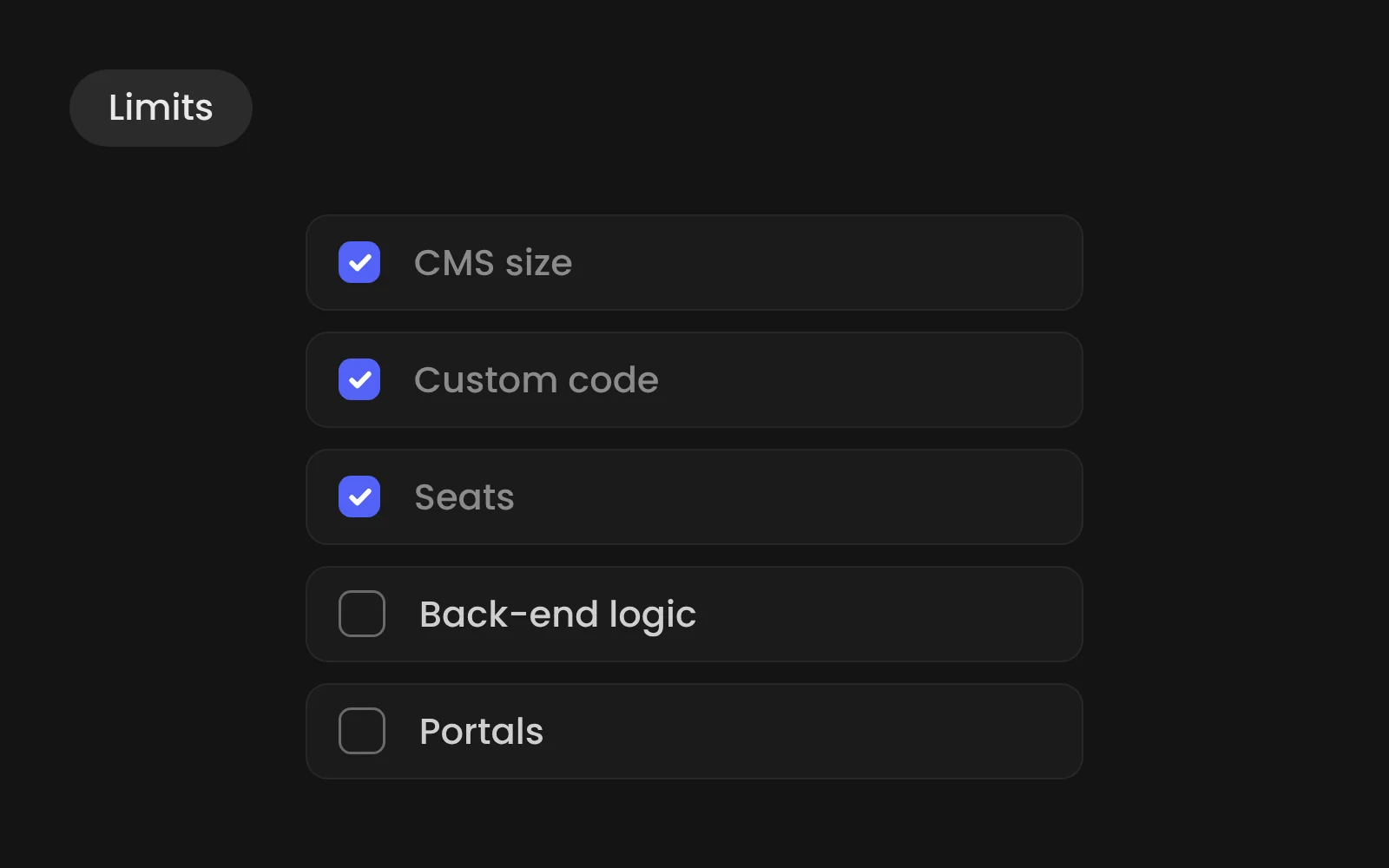
Webflow's main limits are CMS size, the lack of a real back-end, weak support for logged-in portals, and costs that add up per site and per seat. For most B2B marketing sites none of these are a problem. For large catalogues, complex web apps or customer portals, another platform fits better.
- Main limits: CMS size, no real back-end, weak portal support, per-site and per-seat costs.
- Premium allows up to 20,000 CMS items and 40 collections.
- Business logic and CRM syncs need an extra layer, such as n8n.
- Content exports to CSV, but the site itself would need rebuilding elsewhere.
We build almost every site in Webflow. That is exactly why we want you to know where it stops.
1. The CMS has a ceiling
The Premium plan allows up to 20,000 CMS items and 40 collections (Webflow pricing). That is plenty for cases, articles, vacancies and team pages. It is not enough for a product catalogue with tens of thousands of SKUs or a news archive going back decades.
There are also limits on how collections relate to each other, for example how many reference fields a collection can hold and how many nested lists a page can show. Plan the content model before the design, not after.
2. Webflow is not a back-end
Webflow stores content and serves pages. It doesn't run your business logic. A form that needs to route leads by region, calculate a quote or update three systems at once needs an extra layer.
How we handle it: we connect Webflow to n8n. Forms, CMS updates and CRM syncs run there, versioned and visible. For MapsTell, Webflow forms flow straight into Zoho this way.
3. Portals and logged-in areas
Customer portals with accounts, roles, permissions and personal data are not what Webflow is built for. Build those on a dedicated platform and link to it from the marketing site.
4. Custom code needs a home
You can add your own JavaScript and CSS, but Webflow gives you limited space and no version control for it. Large scripts pasted into page settings become hard to maintain.
How we handle it: we manage custom code in Slater, so it is versioned, readable and loads only where needed.
5. Costs per site and per seat
Webflow charges a plan per site and seats per workspace. For one company site that is modest. For a group running ten brand sites, it adds up, and the plan costs should be part of the business case from day one.
How we handle it: for groups with several brands we build one shared design system that every site uses.
6. Lock-in
You can export the code of a Webflow site, but not the CMS as a working system. Content exports to CSV; the site itself would need rebuilding elsewhere. Choose Webflow because you plan to stay, not as a stepping stone.
When Webflow is the wrong choice
- Web shop with thousands of products: better option is a dedicated e-commerce platform.
- Customer portal with accounts and permissions: better option is a web app framework or portal platform.
- Heavy custom back-end logic: better option is custom development, with Webflow as marketing front if needed.
- In-house developers who want full code control: better option is WordPress or a headless setup.
For everything else, a marketing site that sells a B2B offer, Webflow is one of the best tools available. Read Webflow or WordPress: a decision guide for B2B to compare in detail.