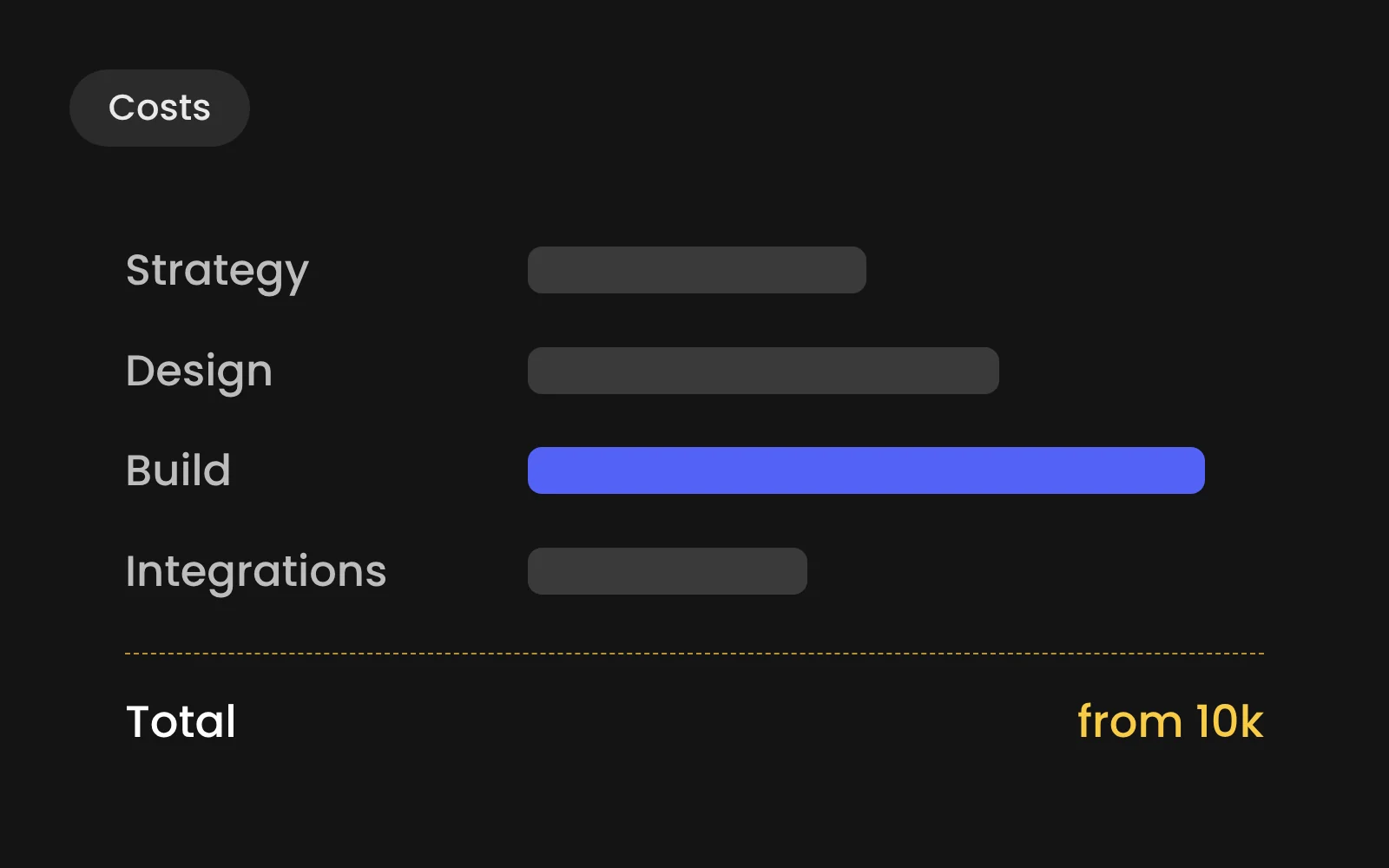
A professionally designed and built Webflow website for a B2B company starts from 10,000 euros excluding VAT at Digitalmakers. On top of that you pay Webflow for hosting: a site plan of 15 to 25 dollars a month, billed yearly. The final price depends on the number of page templates, CMS collections, integrations, languages and how much content needs to be created.
- A professionally built Webflow B2B site starts from 10,000 euros excluding VAT.
- Webflow hosting adds a site plan of 15 to 25 dollars a month.
- Templates, CMS collections, integrations, languages and content drive the final price.
- Budget for content, your own time, photography and growth after launch.
The three parts of the bill
Every Webflow site has three cost blocks. Most quotes only show the first.
- The build. Strategy, design, development and launch. A one-off cost.
- Webflow itself. The site plan that hosts your site, plus add-ons such as Localize for extra languages. A recurring cost paid to Webflow.
- Keeping it good. New pages, content, SEO and improvements after launch. Optional, done by your own team, by us, or both.
What 10,000 euros gets you
Our starting price covers a complete, compact B2B site. Not a template with your logo on it.
- A kick-off on goals, audience and structure
- Design of the key pages in Figma, with a small design system of reusable components
- The build in Webflow, responsive from phone to wide screen
- A CMS for at least one content type, such as cases or news
- Technical SEO: titles, meta descriptions, redirects, sitemap and structured data
- Speed and accessibility checks before launch
- A handover session so your team can edit the site from day one
What drives the price up
- More unique page templates: each one is designed, built and tested. Adds roughly [€__] per template.
- Extra CMS collections: vacancies, team, events each need their own structure and template. Adds roughly [€__] per collection.
- CRM or ATS integration: forms and data sync through n8n or a native integration. Adds roughly [€__].
- Custom motion: scroll animations and interactions built with GSAP. Adds roughly [€__].
- Extra languages: translation, native review and SEO per language. Adds roughly [€__] per language.
- Migration from WordPress: URL mapping, redirects and moving content. Adds roughly [€__].
- Copy, photography or video: often the largest variable of all. On quote.
Three example budgets
- Compact B2B site: 5 to 8 pages, one CMS collection, contact form. Budget from €10,000 excl. VAT.
- Growing B2B site: 10 to 20 pages, cases and vacancies in the CMS, CRM link. Budget [€__] to [€__] excl. VAT.
- Multi-brand or multilingual: shared design system, several languages or labels. Budget from [€__] excl. VAT.
What Webflow itself costs
Webflow charges per site, in dollars. Prices below are billed yearly, excluding VAT (Webflow pricing, checked October 2026).
- Basic: $15 per month. Fits a simple site without CMS.
- Premium: $25 per month. Fits most B2B sites: CMS with up to 20,000 items.
- Localize Essential: $12 per month per language, billed monthly. Add-on for up to 3 extra languages.
- Localize Advanced: $35 per month per language, billed monthly. Up to 10 languages, with translated URLs.
You also pay for workspace seats if several people on your team design or build in Webflow. Content editors who only change text and images in the Editor don't need a full seat.
The costs people forget
- Content. A new site with old copy is an old site. Budget time or money for writing.
- Your own time. Feedback rounds, approvals and content delivery take hours on your side. Plan them.
- Photography and video. Stock photos rarely work for B2B. A shoot day often pays for itself in trust.
- Growth after launch. Traffic doesn't arrive by itself. SEO, content and campaigns need a budget too.
Cheaper options, and when they make sense
A Webflow template with your own content can be live for a few thousand euros, done by a freelancer or by yourself. That works for a start-up testing a market. It works less well for a B2B company that needs to explain a complex offer, show cases and win trust from buyers who compare three suppliers. The design then follows the template, not your sales story.
Read more in Webflow or WordPress: a decision guide for B2B and Webflow maintenance: what happens after launch.
How to get an accurate quote
You'll get a firmer number faster if you bring these five things to the first call:
- A list of the pages you think you need
- Two or three sites you like, and why
- The systems the site should connect to
- The languages you need, now and within a year
- Your deadline and who on your side makes the decisions