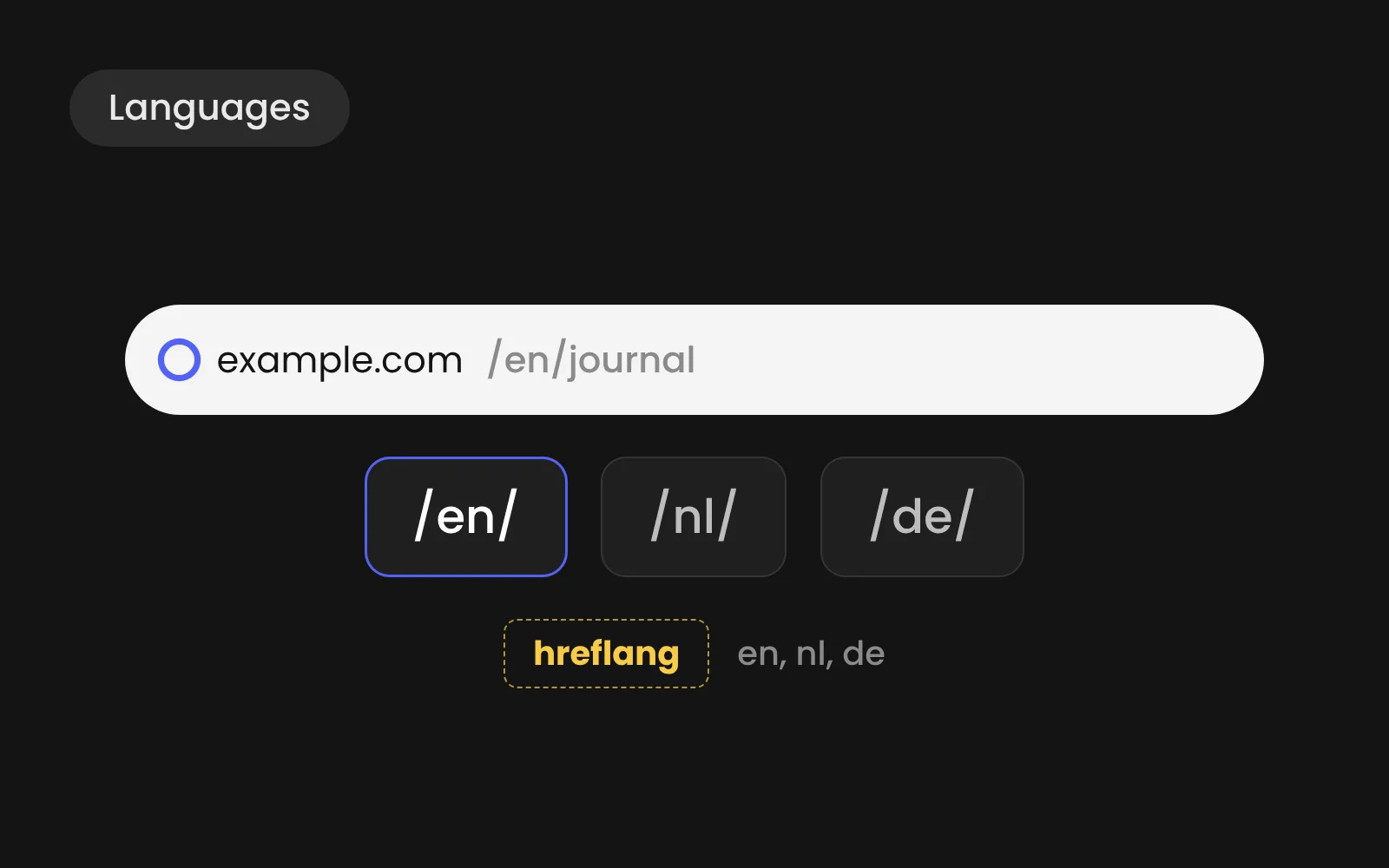
Webflow Localize adds languages to a Webflow site natively. Each language gets its own subfolder, such as /nl or /de, and Webflow generates the hreflang tags and a sitemap that connects the versions. It costs 12 dollars a month per language on Essential (up to three languages) or 35 dollars per language on Advanced (up to ten), billed monthly. Machine translation gets you a first draft; every language still needs a native review and its own keyword research.
- Each language gets its own subfolder, with hreflang tags and sitemap generated automatically.
- Localize costs 12 dollars a month per language on Essential, 35 on Advanced.
- Machine translation gives a draft; a native speaker rewrites anything that sells.
- Research keywords per language: Dutch and German buyers search with different words.
What Localize does
- Subfolders per language, with translated slugs per locale on the Advanced plan, so all languages build on the authority of one domain
- Hreflang and sitemap, generated automatically so search engines know which version to show to whom
- Static pages and CMS content, both translatable, with CMS items linked across languages
- AI translation as a first pass, plus integrations with translation management tools
Source: Webflow Localize, checked October 2026.
What it costs
- Localize Essential: $12 per month per language, billed monthly, up to 3 languages, 10,000 words per language per month.
- Localize Advanced: $35 per month per language, billed monthly, up to 10 languages, 50,000 words per language per month, plus translated URLs and automatic visitor routing.
- Enterprise: custom price, custom number of languages and custom words per month.
Prices from Webflow pricing, checked October 2026, on top of the site plan.
How we set it up, step by step
- Decide which pages need translating. Not every page earns its place in every language. Start with services, contact and the content that brings in leads.
- Research keywords per language. People in the Netherlands and Germany search with different words, not translated English ones.
- Set up the locales and slugs. Pick subfolders and translate slugs so URLs read naturally in each language.
- Machine-translate, then rewrite. Use AI translation for the draft. A native speaker rewrites headings, calls to action and anything that sells.
- Translate SEO fields. Titles, meta descriptions and alt texts per language, written for local search.
- Check layout per language. German and Dutch run longer than English. Buttons and headings need room.
- Submit and monitor. Check in Search Console that each language is indexed and served to the right country.
What machine translation misses
AI translation is fast and usually correct. It doesn't know that your buyers in the Netherlands search for "webflow bureau" and not "webflow agency", or that a German B2B reader expects a more formal tone. That last 20 percent decides whether the page ranks and converts.